Platinum Scraps was originally launched February of 2010 as a vision of several friends who met on the Cricut Message board who wanted to venture out into creating, sharing, and showcasing the many talents each of us possess. Platinum Scraps showcases the diversity in scrapbooking and features designers from all walks of life. To keep the tradition going, each week our design team is challenged to create a unique layout or card based on a sketch that exemplifies their skills and talents. We hope that we inspire your creations and we appreciate your continued love and support as we grow together.

Monday, May 10, 2010

May Card Sketch Challenge

This week's card challenge was selected by Croppin Cassie from www.pagemaps.com. 

The Sketch


Guest Designer's Take 

"Hello"


"Hello"
Close-up View


Designers' Take

"Hats Off Graduate"


"Free as a Bird"


"Welcome Home"


"Hello There"


"Zippity Zipper Card"
Outside View


"Zippity Zipper Card"
Inside View


"Just BEE Cause"

Saturday, May 8, 2010

Saturday Surprise - May Guest Designer

Many thanks to Tricia, our April guest designer.  Your work was superb and you added a very different take on scrapbooking.  You allowed us to see that there is more to scrapbooking than just the Cricut.  Tricia you did an awesome job and as team leader, I would like to take the time to say thank you for all the work you did for the blog.  A month is such a short time and flys by.  Please come back and join us at any time.  We would love to feature your work as a Saturday Surprise.

With that said, I would like to take the time to welcome our May guest designer Jennifer Priest.  Besides being a stay at home mom, she also teaches papercrafting classes all over California as well as online through My Creative Classroom. She teaches for several top manufacturers, including Prima and Zutter (Bind It All) as well as do freelance teaching and design work. Jennifer currently designs for Donna Salazar, Coobookin', Say It With Letters, Kat Scrap Studio LSS, and Pink Pineapple Scrapbooks LSS.  She also contributes to The Everyday Scrapper's Tutorial Tuesday blog column. 

Jennifer has come on the scene with a blast.  This week's project features a lovely pair of scissors created for a friend to showcase in her sewing room.  Welcome Jennifer.


Friday, May 7, 2010

Winner of the Mother's Day Mini Cart!

The winner was selected using random generator over at random.org.  Thanks to all who entered and continue to come back to see all the exciting things we have going on. 


The winner is...................................

floridasunflower said...Love your work. I am a true follower. Would love to win the mini cart. HAPPY MOTHERS DAY!!!

Congratulations floridasunflower.  You have until Tuesday, May 11th, 2010 at 8:00 a.m. to email us at platinumscraps@gmail.com to claim your prize.  Please include your name and mailing address information.  We ask that once you receive your cart, you email us with confirmation. 

Please feel free to email us a creation from your new mini cart, we would love to feature your project on our blog.  

Thursday, May 6, 2010

Time Out Thursday: Tissue Paper Flowers


This week for TOT, CurlyLocDiva demonstates how to make tissue paper flowers.  Flowers are an excellent addition to any layout and this is an inexpensive way to add spice to your projects.  Thanks for coming over to our blog each week and do come again.   

Supplies Used:
Tissue Paper (Inexpensive Is Best)
Die Cutting System (CurlyLocDiva uses the Quickutz die cutting system)


Look how beautiful these look.


Tuesday, May 4, 2010

Mother's Day Blog Candy Giveaway

We are a little, ok a lot late in giving away our Mother's Day Blog Candy and it's all my fault.  But as the saying goes better late than never  so hurry and sign up for another great blog candy giveaway.  You have a chance to win the Mother's Day mini cart.

All you have to do to win this great cart is:
a.  sign up to follow our blog and leave a comment
b.  if you are already a follower, just leave a comment after this post.

The drawing will be open until Thursday night.  The winner will be drawn on random.org Friday morning.  The winner will have five days to claim their prize.

Email us at platinumscraps@gmail.com.  In the subject field, type Mini Cart Winner.  If the winner doesn't come forward, they will forfeit the prize and another winner will be selected.


Monday, May 3, 2010

Mother's Day Project FFA

This week at Platinum Scraps we are celebrating one of the most loved people in each of our lives, Our Mom's.  Mother, Mom, Mama, Mommie, are just a few names that many of us call the woman who has no boundaries, and goes above and beyond.  Each designer has come up with their own project to honor their Mom. 

Happy Mother's Day to all the wonderful moms all over the world. 

"Super Mom Pack"
Before


"Super Mom Pack"
After - Outside View


"Super Mom Pack"
After - Inside View


"Super Mom Pack"
After - Snack Description


"Queen 4 A Day"


"Mom"
Explosion Box - Top
Sanura Scraps


"Mom"
Explosion Box - Side View
Sanuara Scraps


"Mom"
Explosion Box - Inside View
Sanura Scraps


"Mother's Day Accordian Card"
Outside View


"Mother's Day Accordian Card"
Full View


"Mother's Day Accordian Card"
Side 1


"Mother's Day Accordian Card"
Side 2


"Makuahine"
Mother in Hawaiian


"Love"
Tissue Paper Coasters


"Mother"

Wednesday, April 28, 2010

Time Out Thursday: Butterflies from acetate

This week's TOT is from Shelly:

Last week Truth showed us how to make an acrylic album using sheets purchased from the store.  In this video I will show you how to make cute butterflies using acetate, a material similar to acrylic, which can be found with every Cricut cartridge you've purchased!  Not only can you cut embellishments, you can cut alphabets from the acetate and use it for ghost letters.  The possibilities are endless. 

With the effects of global warming on our world, this is our way of illustrating one way to go green. 


Here is a similar card using the same technique:


I hope you enjoyed today's TOT.  Please leave any comments or questions below.  Thanks! :-)

Monday, April 26, 2010

April, Layout Challenge Sketch

This month's layout challenge was chosen by designer, Leialoha.  She selected at sketch by Robin over at http://www.scrapbook.com/.  Please enjoy the sketch and each designer's spin.


April Guest Designer

"Every Day is Mommy's Day"


Designer's Spin

"Friend for Life"


"Birds of A Feather"


"We Are Family"


"Love"


"The Beauty of Spring"


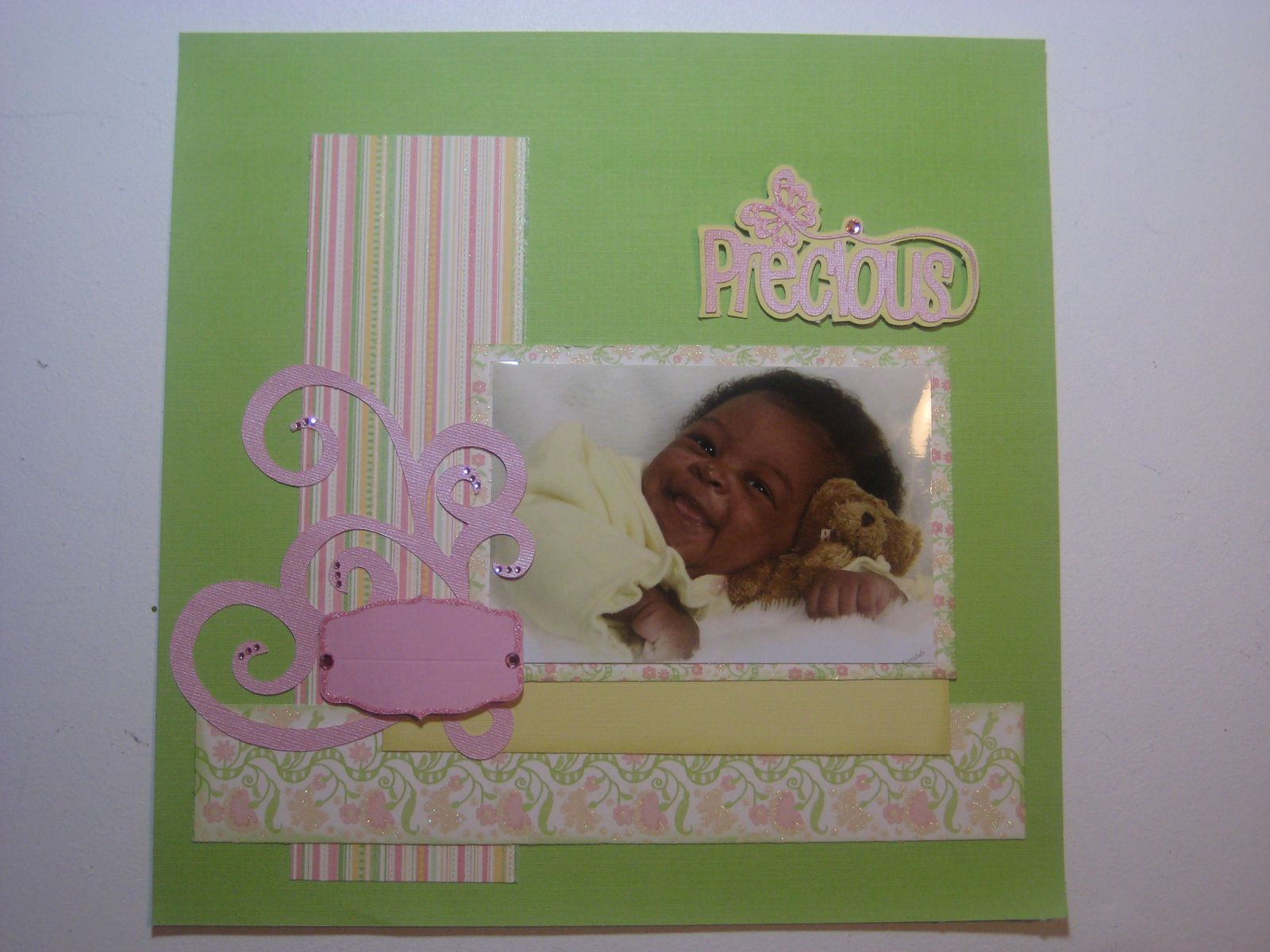
"Precious"


"Military Days"


"My Story"


"Mama"


"Luck of the Draw"


"I Hope U Dance"


What's your take on this sketch? Make a project and upload it to your blog or online gallery. Then leave a link to your project using the Mr. Linky form.  Mr. Linky will available until May 9th.

Mister Linky's Magical Widgets -- Easy-Linky widget will appear right here!
This preview will disappear when the widget is displayed on your site.
For best results, use HTML mode to edit this section of the post.

Thursday, April 22, 2010

Time Out Thursday - Acrylic Album

Today's TOT comes from Truth:

Supply List:

     * Deep cut blade housing
     * Clear acrylic sheet(s)
     * Staz on ink and/or alcohol inks
     * Rub-ons
     * Zip dry paper glue
     * Big Bite or other hole puncher


1.  Select your cartridge (For this shape album I used the apple from Just Because Cards)

2.  The acrylic sheet comes with a blue protective film on the front and back. Peel off one side of the protective film and place the side with the film still on, onto the mat. I did this so that the sticky residue from the mat would not stick to the acrylic.

3.  The acrylic used in this project was thick so the machine settings used were, blade 6, pressure max, speed high, multi-cut 10.


4.  Peel off the other blue protective sheet. Be careful when removing the cut out image so that the acrylic does not split. Even with the multi-cut of 10 it did not cut completely through so it had to be popped out of place.


5.  Use Staz On or alcohol inks to add color and ink edges.


6.  Use zip dry paper glue to adhere paper to the acrylic. Match the cuts up on the back, remember to flip your image in order for the cuts to line up.


7.  Use rub ons and other embellishments to complete your project. I used the Big Bite to punch the hole and a binder ring to attach the pages.


All cuts for this project, except for the tags are from the
"Just Because" cartridge. 


Related Posts Plugin for WordPress, Blogger...